



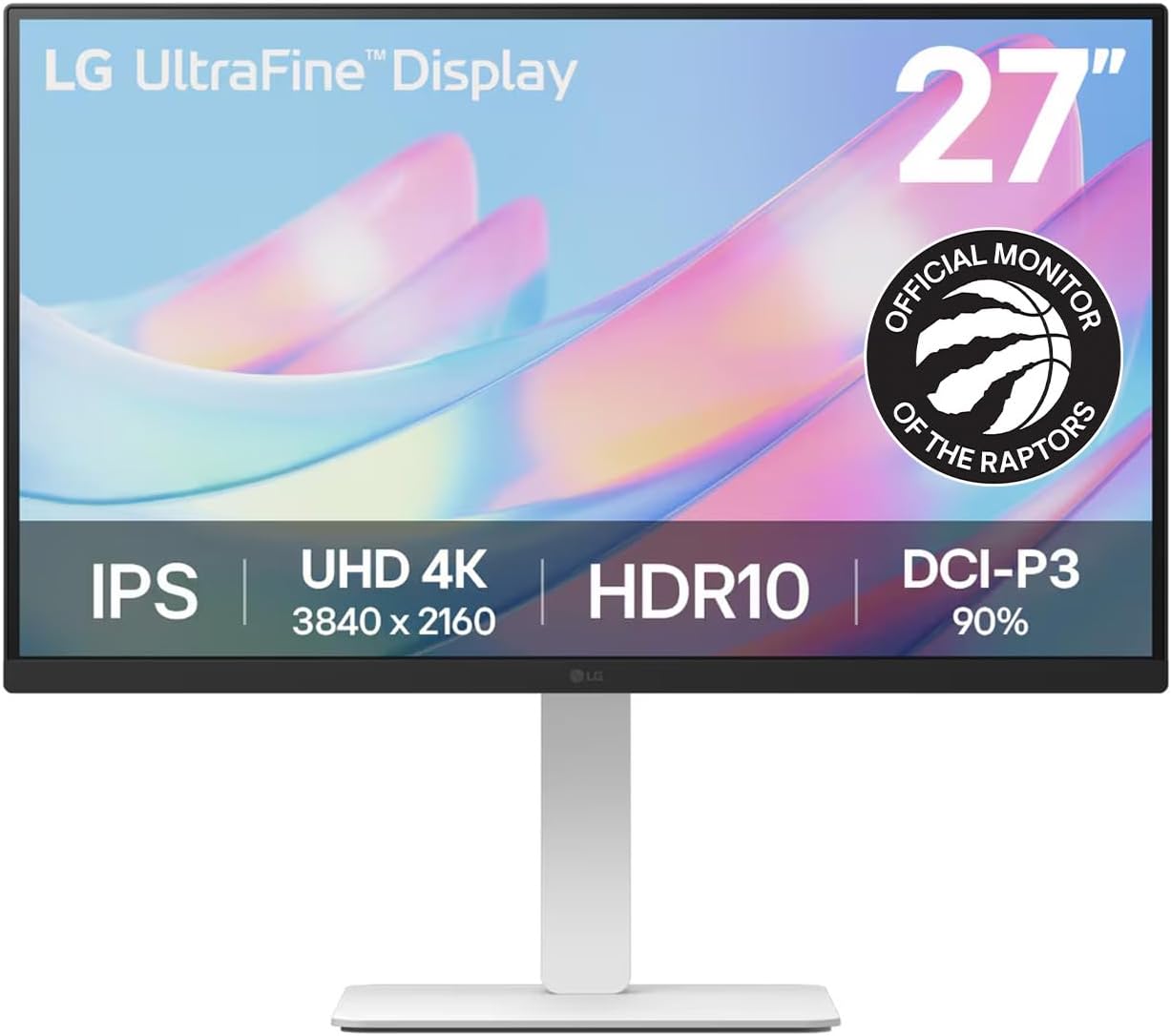
A great monitor can transform how you work, game, and create. With so many options available in 2026 — from ultra-wide curved displays to high-refresh-rate gaming panels — finding the right one can feel overwhelming. This guide breaks down the key factors to consider so you can make a confident choice.
Key Factors to Consider When Buying a Monitor
1. Resolution
Resolution determines how sharp and detailed the image on your screen appears. Here's a quick breakdown:
- Full HD (1080p) — The entry-level standard. Fine for everyday tasks and budget builds, but text and images look noticeably sharper on higher-resolution displays.
- QHD / 2K (1440p) — The sweet spot for most users. Noticeably sharper than 1080p, great for productivity and gaming, without the GPU demands of 4K.
- 4K (2160p) — Stunning detail for creative professionals, video editors, and those who want the sharpest possible image. Requires a powerful GPU for gaming at 4K.
- Ultra-wide (3440×1440 or 5120×2160) — Ideal for multitasking and immersive gaming. Replaces the need for a dual-monitor setup.
2. Panel Type
The panel technology affects colour accuracy, viewing angles, contrast, and response time:
- IPS (In-Plane Switching) — Best colour accuracy and wide viewing angles. Ideal for designers, photographers, and general use. Most popular panel type in 2026.
- VA (Vertical Alignment) — Best contrast ratios and deep blacks. Great for movies and dark-room gaming, but slower response times than IPS.
- TN (Twisted Nematic) — Fastest response times and cheapest to produce, but poor colour and viewing angles. Mostly found in budget gaming monitors.
- OLED — Perfect blacks, infinite contrast, and ultra-fast response times. Premium price, but the best overall image quality available.
3. Refresh Rate
Refresh rate (measured in Hz) determines how many frames per second your monitor can display:
- 60Hz — Standard for office work and casual use. Perfectly smooth for everyday tasks.
- 144Hz — The minimum recommended for gaming. Noticeably smoother motion in fast-paced games.
- 165Hz – 240Hz — For competitive gamers who want every possible advantage. Requires a powerful GPU to fully utilize.
- 360Hz+ — Extreme refresh rates for professional esports players.
4. Screen Size
Match your monitor size to your desk space and use case:
- 24" — Compact and ideal for 1080p. Great for small desks or secondary monitors.
- 27" — The most popular size. Perfect for 1440p and a great balance of screen real estate and desk space.
- 32" — Excellent for 4K content creation and immersive gaming. Best used at arm's length.
- 34"+ Ultra-wide — Replaces dual monitors for multitasking. Curved models add immersion for gaming.
5. Connectivity
Make sure the monitor has the ports you need:
- HDMI 2.1 — Required for 4K at 144Hz from a console or PC.
- DisplayPort 1.4 / 2.0 — Best for high-refresh-rate PC gaming at high resolutions.
- USB-C — Increasingly common, allows single-cable connection for laptops with power delivery.
- USB Hub — Convenient for connecting peripherals directly through the monitor.
Best Monitor for Different Use Cases
Best for Work & Productivity
Look for a 27" IPS panel at 1440p with accurate colours, good ergonomics (height-adjustable stand), and USB-C connectivity for laptop users. Eye-care features like flicker-free backlighting and low blue light modes are a bonus for long work sessions.
Best for Gaming
Prioritize a high refresh rate (144Hz minimum), low response time (1ms), and AMD FreeSync or NVIDIA G-Sync support to eliminate screen tearing. A 27" 1440p IPS or OLED panel hits the sweet spot of performance and visual quality.
Best for Creative Professionals
Colour accuracy is paramount. Look for monitors with 99% sRGB or DCI-P3 colour coverage, factory calibration, and high resolution (4K or higher). IPS or OLED panels are the best choice for photo and video editing.
Final Thoughts
The best monitor for you depends on how you use it. Define your primary use case first — work, gaming, or creative — then match the resolution, panel type, and refresh rate to your needs and budget. A quality monitor is a long-term investment that pays off every single day.
Ready to upgrade your setup? Shop all Monitors at TechSpirit.